
Avengers Casino Mobile App

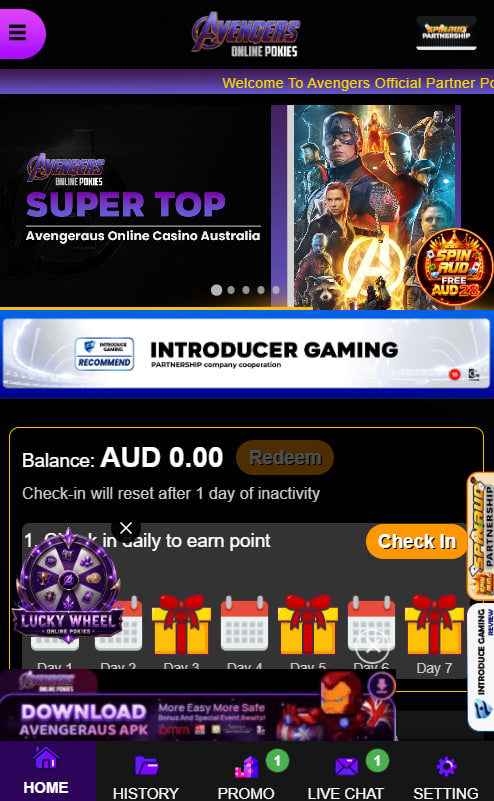
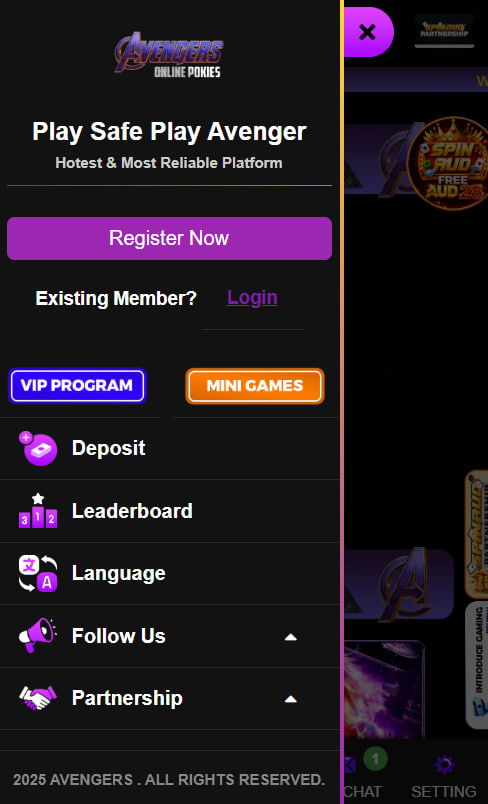
The Avengers Casino mobile app brings the full casino into a pocket-sized format for Australian players who prefer to play on the move. Android users install a direct APK from the official site, while iOS players add a fast web shortcut to the home screen. Both routes mirror the desktop experience: pokies, live tables, the full cashier with PayID and crypto, plus the bonus wallet all sync across devices with one account. This page covers the install steps for each platform, system requirements, the features that make mobile gameplay smooth and a quick comparison of the two options.
Installing the Avengers Casino App on Android
Aussie players running Android 10 or newer can install the Avengers Casino app directly through the official site rather than the Play Store. Google Play does not list real-money gambling apps in most regions, so a direct APK is the standard route — and the file is scanned automatically by Play Protect on most devices.
Step-by-step installation on Android
- Open the Avengers Casino homepage in the Android browser of choice
- Tap the Download Android App button on the home or app page
- Allow installs from unknown sources if the device prompts for permission
- Open the downloaded APK file from the notifications panel or the Downloads folder
- Confirm the install dialog while Play Protect runs its automatic scan
- Open the app and log in with the existing Avengers Casino account
Updates arrive as fresh APK downloads from the same page — there is no auto-update from a store. Players with older Android devices can use the web shortcut method below instead of installing the full app.
Adding Avengers Casino to the iOS Home Screen
Apple's App Store does not list real-money casino apps either, so iOS players use Safari's built-in Add to Home Screen feature to get a native-app feel without an actual install. The shortcut looks like a regular app icon, opens full-screen and benefits from Safari's smart caching for fast loading on repeat visits.
Adding the shortcut on iPhone and iPad
- Open Safari and visit the Avengers Casino homepage
- Tap the Share icon at the bottom of the screen
- Scroll down and select Add to Home Screen
- Confirm the icon name and tap Add to finish
Biometric unlock works through Safari's saved-password autofill, and Face ID or Touch ID can confirm sign-in on supported iPhone and iPad models.
Mobile Features Aussies Use Most
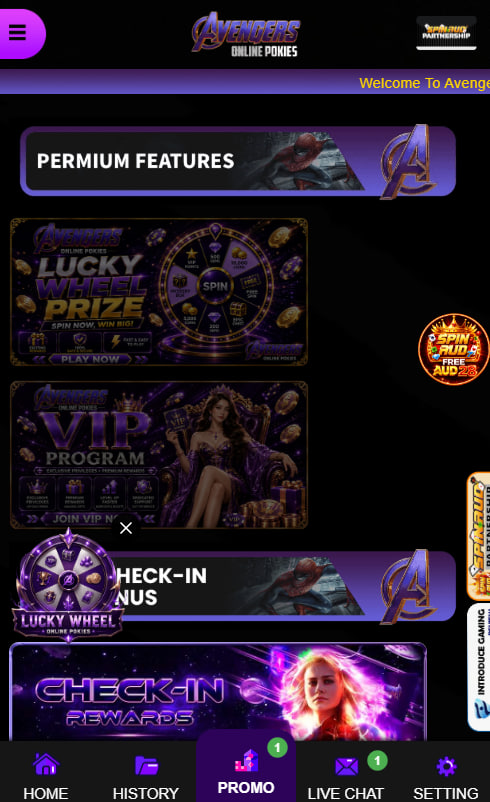
Mobile gameplay at Avengers Casino is designed for one-handed use on commutes, couches and quick break-time spins. The lobby loads with thumb-reach navigation, search and filters work just like on desktop, and the cashier processes PayID, Osko, cards and crypto without forcing a switch back to a browser tab. Account balances, bonus progress and recent game history sync the moment a player switches devices.
What mobile players get out of the box
- Touch-first lobby with quick search and pinned favourites
- Biometric unlock through Face ID or fingerprint on supported devices
- Full cashier including PayID, Osko, eWallets and crypto deposits
- Push notifications for new pokies, jackpots and tournament invites
- Bonus tracker and live payout status visible in the wallet area
The mobile experience also handles the responsible gaming toolkit — deposit limits, session reminders and self-exclusion are accessible from the account menu in the same number of taps as desktop.
System Requirements for the Avengers Casino App
Mid-range modern devices handle the app comfortably. Older hardware can still use the browser shortcut option, which is lighter on memory and updates itself in the background.
Minimum requirements at a glance
| Specification | Requirement |
|---|---|
| Android version | Android 10 or higher |
| Android RAM | 3 GB minimum |
| iOS version | iOS 14 or higher |
| Apple devices | Contemporary iPhone and iPad models |
| Storage needed | ~40 MB for native APK, negligible for shortcut |
Native App vs Web Shortcut — Which Suits Aussies Better
Both routes deliver the same lobby, cashier and account, so the choice comes down to small preferences. Native APKs feel slightly faster on repeat opens and support push notifications, while the web shortcut updates automatically and keeps storage usage minimal.
Native APK compared with web shortcut
| Aspect | Native APK (Android) | Web shortcut (iOS or Android) |
|---|---|---|
| Updates | Manual — fresh APK download | Automatic on next visit |
| Storage footprint | About 40 MB | Negligible |
| Push notifications | Yes, native | Limited |
| Biometric login | Native support | Browser-dependent |
Take Avengers Casino on the Go

Tarquin Hawkesbury
Tarquin Hawkesbury reports on Avengers Casino at avengers-casinos.com, an Australian-focused offshore platform operating under Curaçao eGaming Licence No. 8048/JAZ. Covers the 7,000+ game library from Pragmatic Play / NetEnt / Microgaming / Play'n GO / Big Time Gaming / Hacksaw Gaming / Nolimit City / Yggdrasil plus Evolution live floor (Lightning Roulette ~97.3% / Crazy Time), 100% welcome match up to AU$1,000 + 100 free spins at 35x wagering 14-day expiry, 5-tier Avengers Alliance VIP loyalty (Rookie → Defender → Champion → Titan → Legend), AUD banking with PayID/Osko NPP transfers, weekly cashback up to 10% on low/no wagering and mobile Android APK ~40MB plus iOS Safari Add to Home Screen shortcut.